how to get peacock on my samsung smart tv
Once youve done that youll be able to access Peacock on your Samsung TV. Click here to sign up for Peacock.
How To Get Peacock On Samsung Smart Tv A Simple Guide Home Automation
Here is the step by step way of how to install Peacock TV on a Samsung TV.
. In addition youll want to make sure that the streaming app is compatible with your Samsung TV. Heres how you can get peacock on your Samsung TV. Previously the easiest way for a Samsung smart TV user to.
First youll want to find a streaming app for Bravo. Next install the Peacock app. To get Peacock on your Samsung smart TV first you have to sign up for a subscription to the Peacock service.
Learn how to Get Peacock on a Smart TV and How to Instal the Peacock on a smart TV. Here is the step by step instructions on how to get Peacock on your Samsung smart TVUse one of these to get Peacock TV on your TVGet a Fire Stick Here Ama. Peacock can be streamed on a Samsung smart TV by purchasing or using an existing Roku player Google Chromecast Apple.
Once youve done that you can start downloading the Peacock app and launch it from your TVs home screen. Follow the procedure below to download the peacock on Samsung TV. Here are the instructions on how to download Peacock TV on your Samsung smart TV.
First you can connect another streaming device like an Amazon Fire Stick or Roku to your Samsung smart TV. Once installed log in using your Peacock credentials. Navigate to the Apps section.
On your Samsung Smart TV go to the app store and type in Peacock. Now you can with your Samsung smart TV. To conduct a search press the Search button.
The Peacock app is readily available on Samsung smart TVs and installing it is as easy as any other application. Now that the Peacock app is finally available on Samsung smart tvs I have a Peacock Premium account. Go to Apps from the home menu.
Once installed log in using your Peacock credentials. Install the Peacock iPhoneiPad app. Make sure your Smart TV is connected to the.
If you are having issues with any apps freezing or crashing even after updates there are a few things you can try to resolve your problem. Select content from the Peacock app or through the browser on. Youll need to sign up for a Peacock account so youll have to use the information you provided when signing up.
To do this go to the Samsung smart TV app store and search for Peacock. Ready to watch Peacock content on your smart TV. Make sure your Smart TV is connected to the.
Press the Home button on your Samsung smart TV remote control to bring up the menu. Peacock is adding Samsung TVs to its list of compatible and supported devices where you can stream the app. You need to remember that Peacock is supported on Samsung Smart TV models from 2017 or later.
Samsung TV Options For Watching Peacock. Hi In this video we will talk about Watch Peacock TV on Samsung Smart TV 2022We will Explain NBC Peacock TV can be streamed on Samsung Smart TVs using the. While the Smart TV itself doesnt have a.
I had to create. Click here to sign up for Peacock. But in setting up on the tv I wasnt asked to login to a current account.
To use Peacock on a Samsung smart TV you need to first create a free account with Peacock. Install the Peacock iPhoneiPad app. From the search results select the Peacock application.
For more info read the full article on watching Peacock on Samsung TVs. On your Samsung Smart TV go to the Home Screen. If you dont have a smart TV you can make it smart with theseGet a new Fir.
Follow these steps to stream content from a Chromecast or Chromecast-enabled mobile device and smart TV. On your Samsung Smart TV go to the app store and type in Peacock. To do this press down and hold the power button on the remote control of your Samsung TV until the TV has turned completely off and back on again on its own.
Then download the Peacock app on the other device. Once youve done that download and install the Peacock app to your TV. Use these devices to get Peacock TV on your Samsung TVRoku device Amazon USA Link.
Clearing the app cache checking if the app is.

How To Get Peacock On A Smart Tv
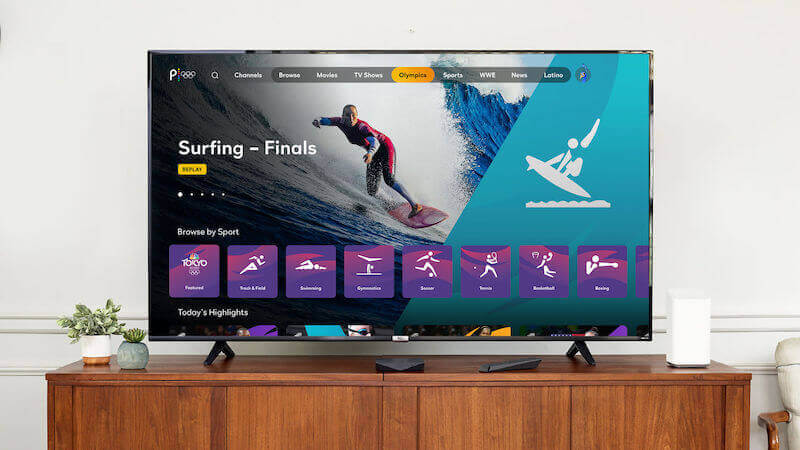
Download Install App Watch Peacock On Samsung Smart Tv
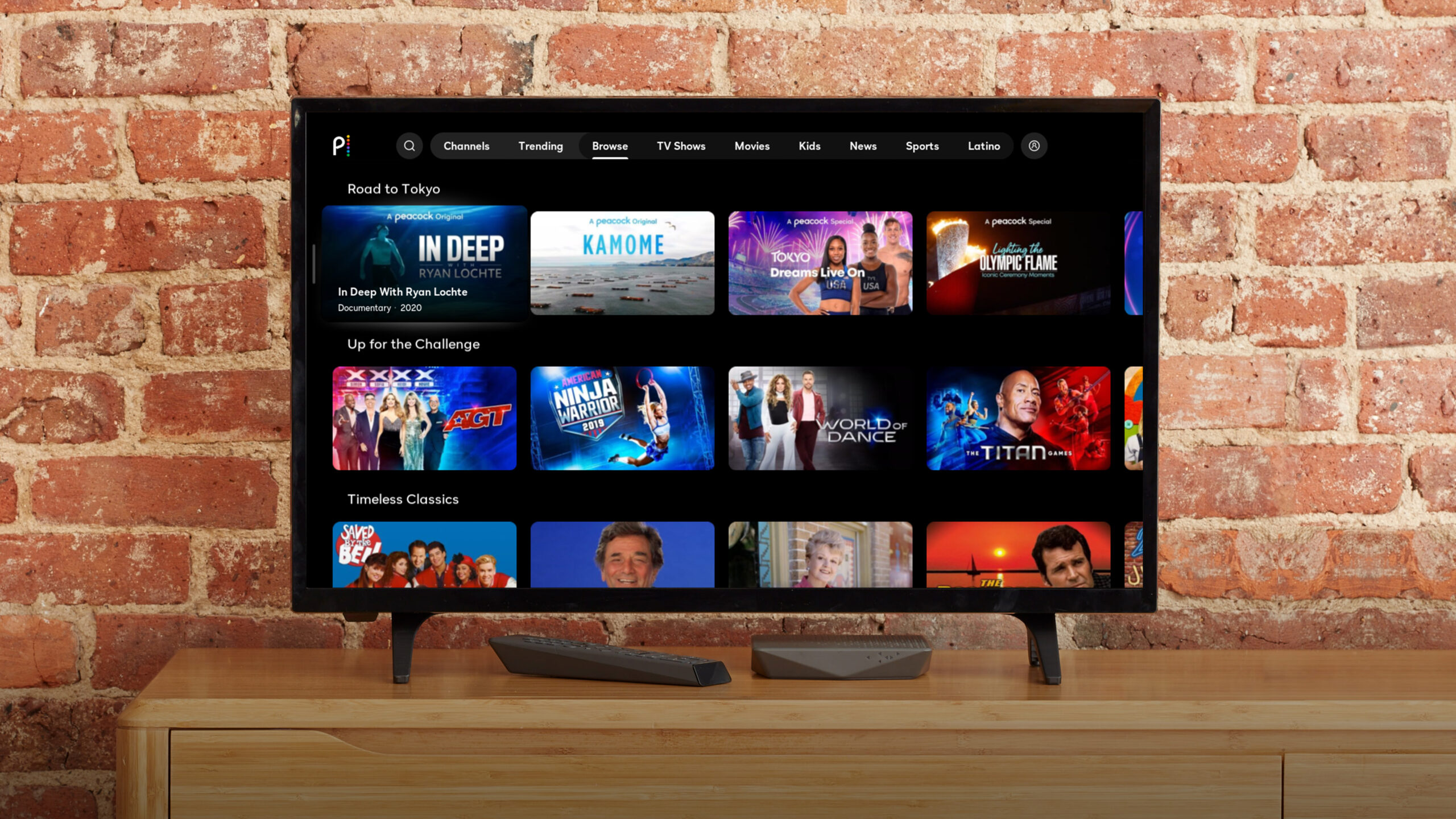
How To Get Peacock On Smart Tv Samsung Sony Lg Vizio Hisense And More Technadu
Dluferdorfnzwm
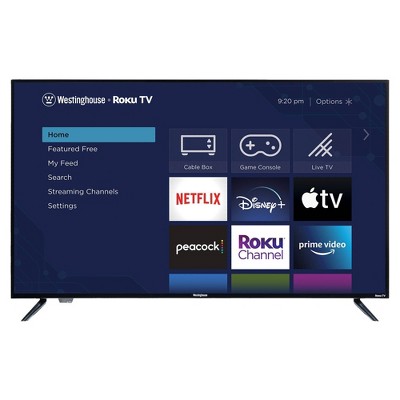
Smart Tvs Target

Peacock Launches On Samsung Smart Tvs Today Wrestlezone
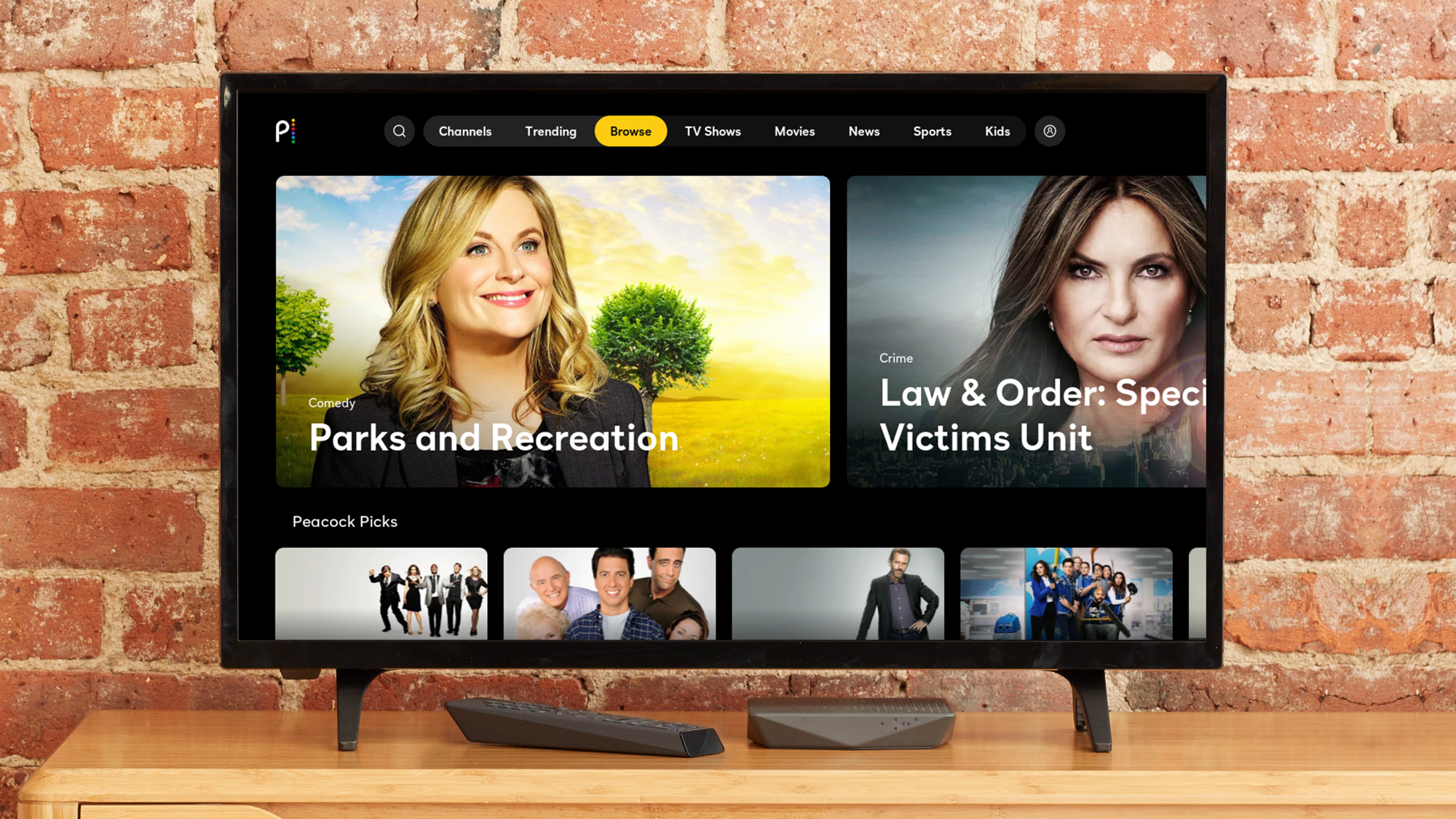
Peacock Tv Cost App Shows And More Nbc Streaming Service Details Tom S Guide

Get Peacock On My Samsung Smart Tv Step By Step Instructions Youtube
How To Add Peacock To Smart Tv Step By Step Tutorial Devicetests

3 Ways To Stream Peacock Tv On Samsung Smart Tv Step By Step

How To Fix Peacock Not Working On Samsung Tv Easy Steps
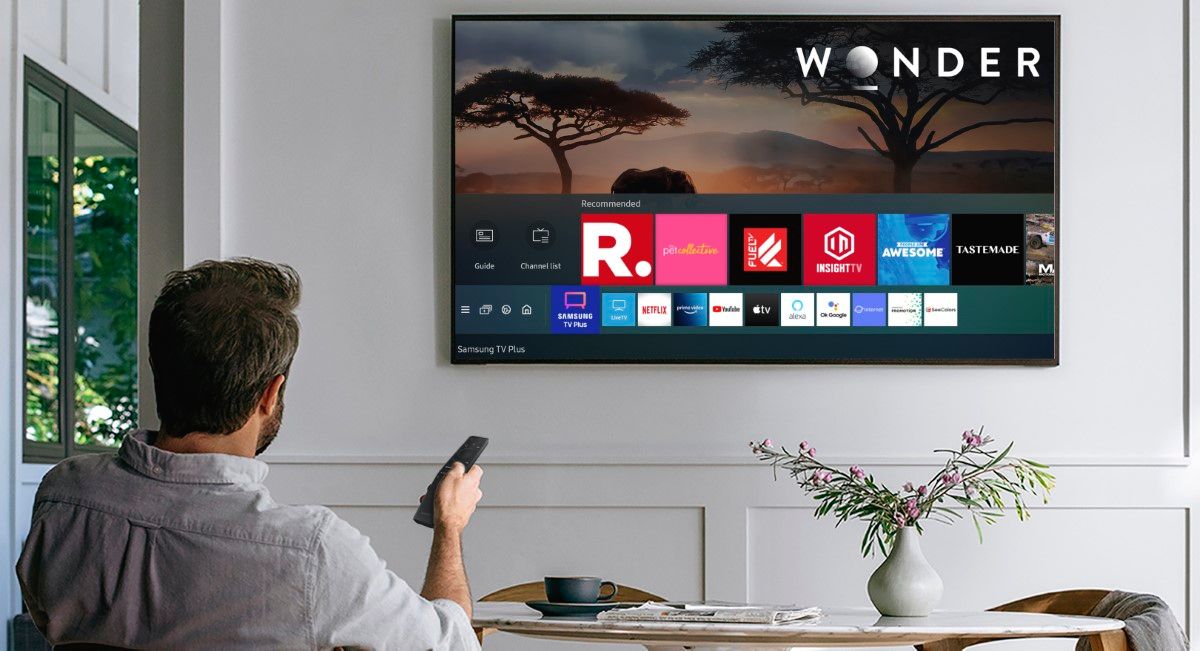
8 Gyevh1o 8dgm

How To Install Peacock Tv On Samsung Tv Youtube

How To Get Peacock On A Smart Tv
How To Watch Peacock On Samsung Smart Tv The Streamable
How To Download Peacock On A Samsung Smart Tv
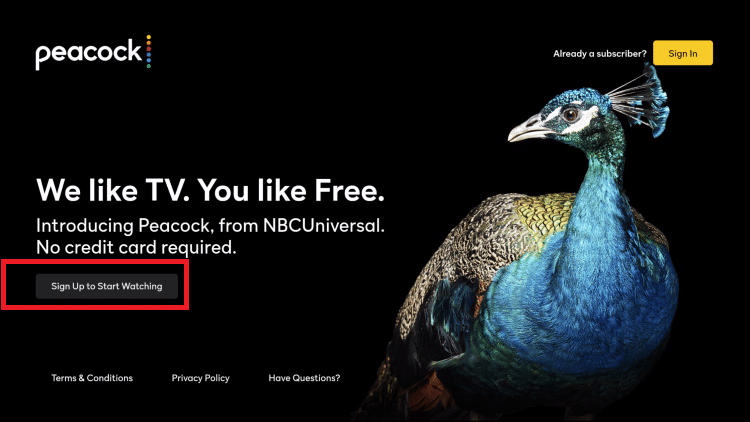
How To Watch Peacock Tv On Samsung Smart Tv Update 2022
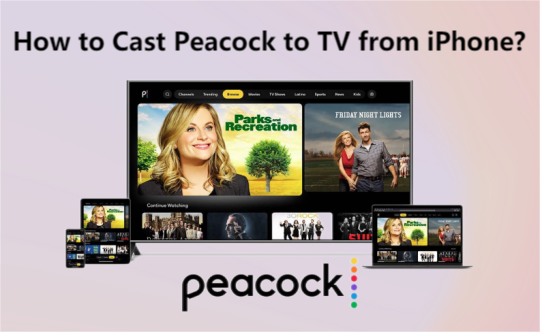
2022 Guide How To Cast Peacock To Tv From Iphone
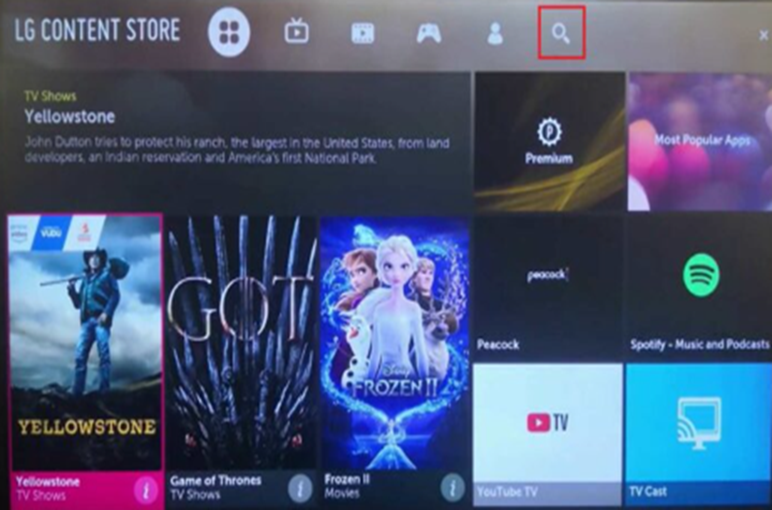
How To Add Peacock To Smart Tv Step By Step Tutorial Devicetests